CONFIGURABLE ACCESS CONTROL
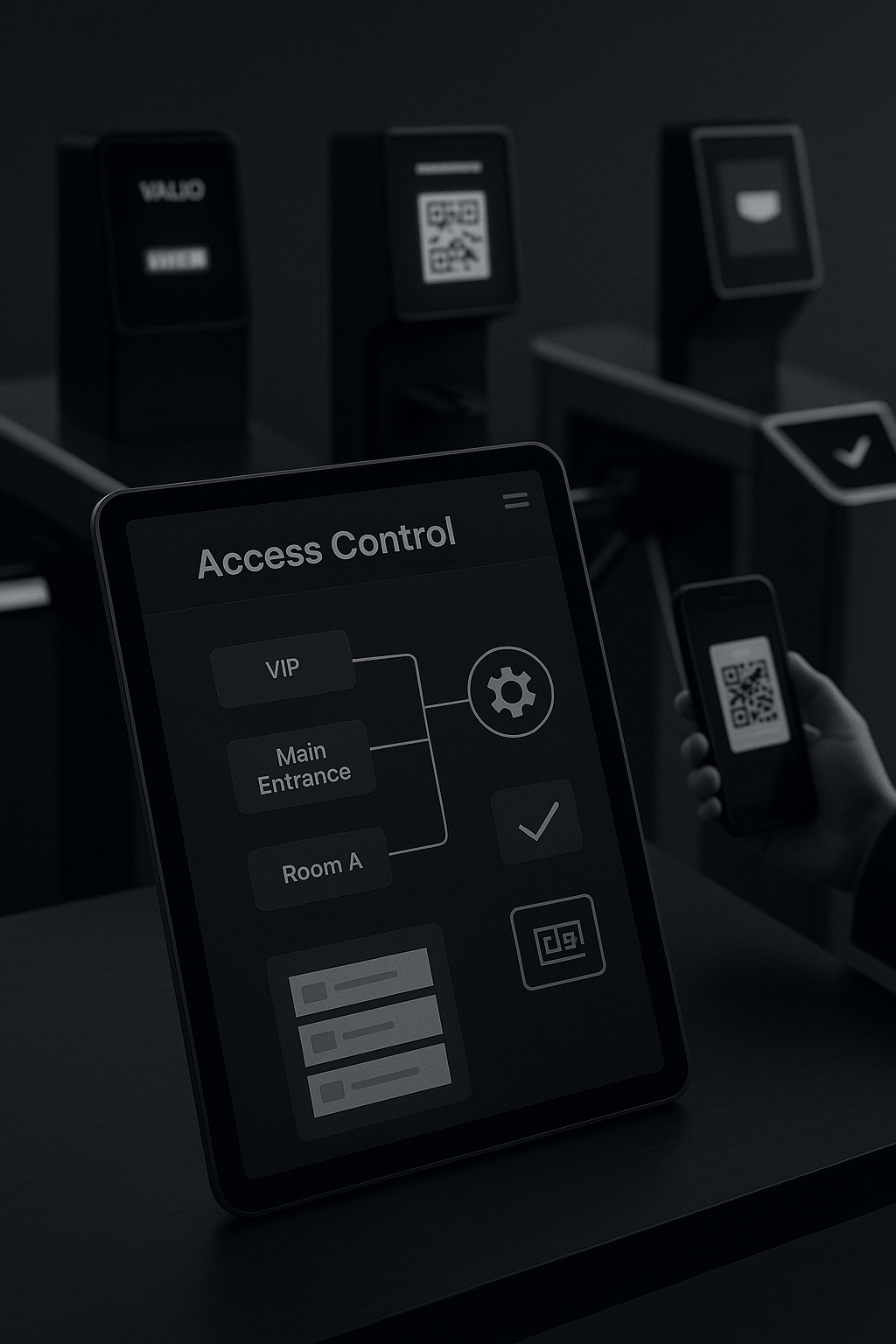
Do you have different access control points with different validation configurations for each? bikubo is your management tool, offering you advanced options that you won't find on other platforms.
Get started
Do you have different access control points with different validation configurations for each? bikubo is your management tool, offering you advanced options that you won't find on other platforms.
Get started You can set a maximum number of validations for each control point.
 You can define conditions for validations; for example, that a gift must only be delivered after access to a room has been validated.
 You can also activate grouped validations: if a person enters through one door, the others are blocked.
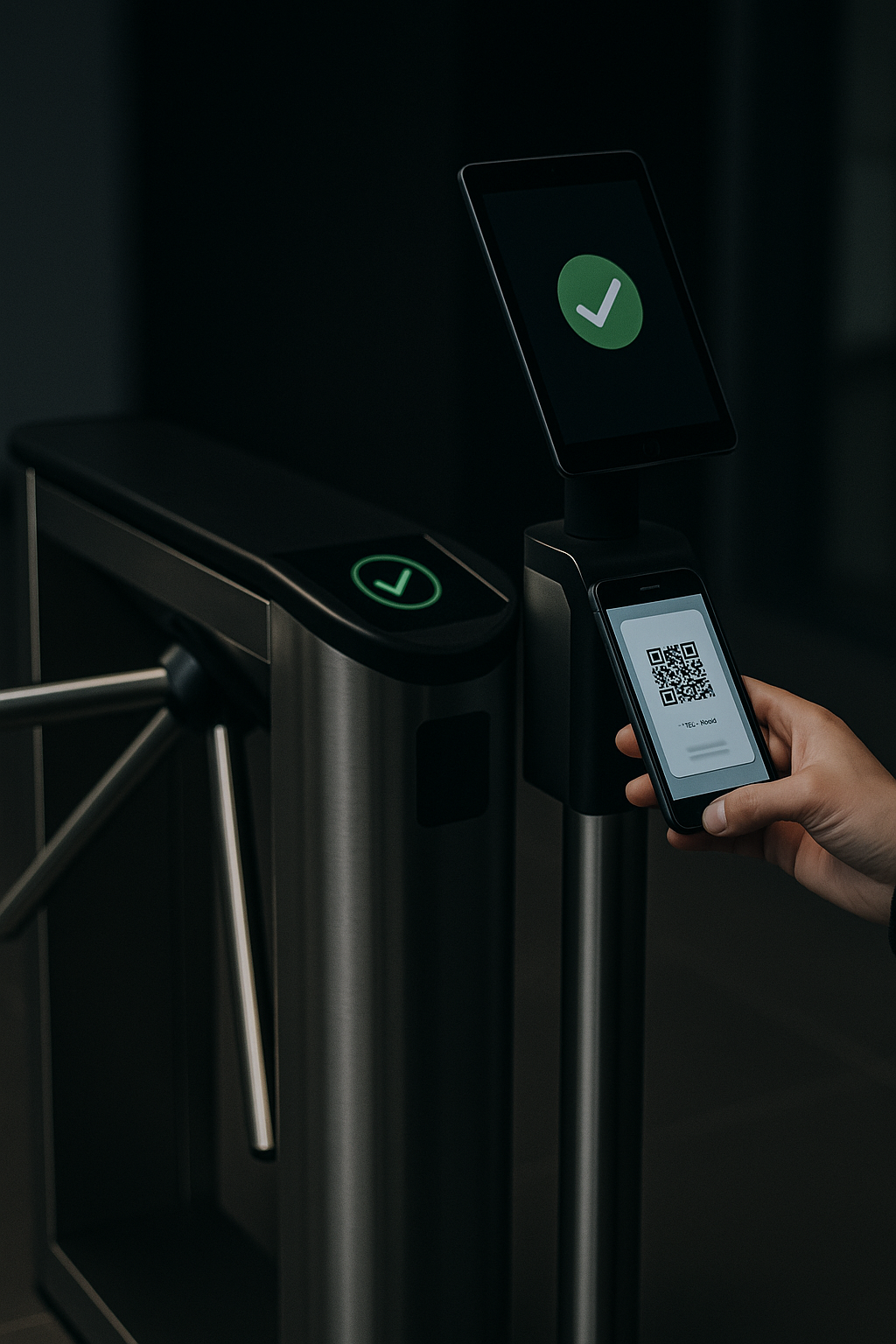
 If validation changes depending on the time of day, you can configure automatic validations adapted accordingly.
 You can control the entry and exit of people from any control point.
 You can create as many control points as you need: venue access, VIP room, gift distribution, etc.
Advanced validation configuration can be applied to tickets, accreditations and cards. Request that we enable this option for your user, and we'll activate it shortly.