Icon

SALES MANAGEMENT SOFTWARE FOR NIGHTCLUBS

Nowadays there are multiple ticket sales channels for a nightclub: physical tickets and online sales. Centralize channel, ticket and distributor management with our platform.

Get started

Tools for sales management in nightclubs

With Bikubo you can create custom tickets with your design and a QR code. Our integrated system makes it easy to sell tickets to your nightclub. It provides tools that optimize management, reduce costs and minimize incidents.


Ticket printing
Ticket printing
with QR
Online sales
Online
ticket sales.
Affiliates
Sales through
affiliates.
Web integration
Web integration.
PR
Public relations
Ticket delivery
Electronic ticket
delivery.
Customer cards
Customer
cards.
Sales control
Sales
control.
Access checkpoints
Access
checkpoints
Access validation
Access
validation
Tickets

Physical ticket printing with individualized QR codes for each ticket

Tickets generated with bikubo can include numbering (single or double) and a QR code. Adding a QR code to your printed tickets brings features that help you improve event management.


Non-forgeable
Non-forgeable tickets. Each QR is unique: if a ticket is copied, only the first person who presents that QR can gain access.
Named tickets
Named tickets. For printed tickets you can scan the QR and enter attendee information.
Anti-resale
Anti-resale. At access control the holder's data is shown and, if needed, the ticket can be reassigned to another person.
Statistics
Sales statistics. Sales reports for printed tickets.
Cancellation
Lost ticket cancellation. Easily cancel lost printed tickets.
Notes
Notes per ticket or batch. Add notes that will appear during access validation.
Customizable QR
Customizable QR. The QR can redirect after scanning to a website (for example, a form) and still supports all the features above.
Online platform

Online ticket sales platform

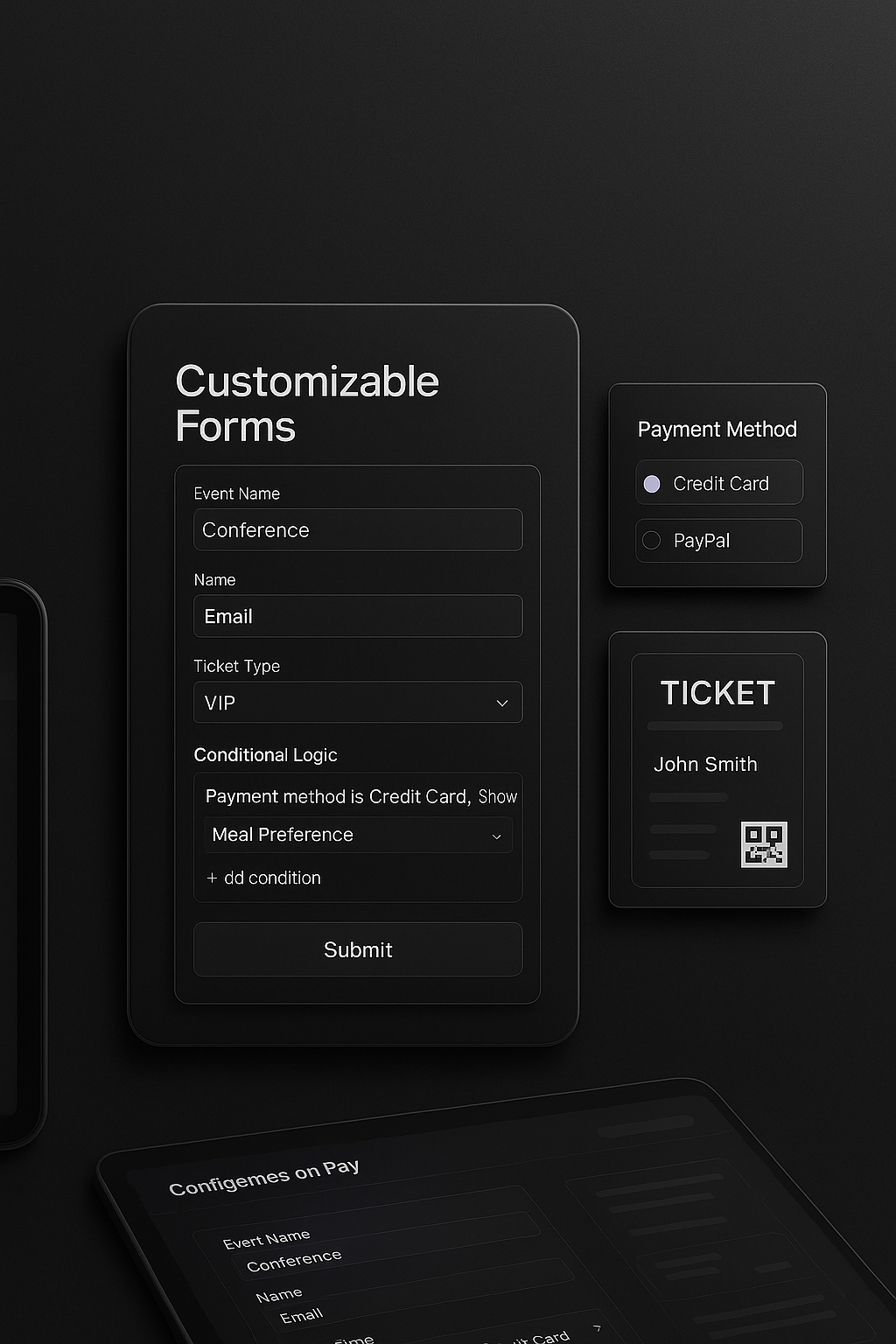
Create a sales form with our platform easily. Creating ticket sales forms with bikubo includes a set of features that may be of interest to you.


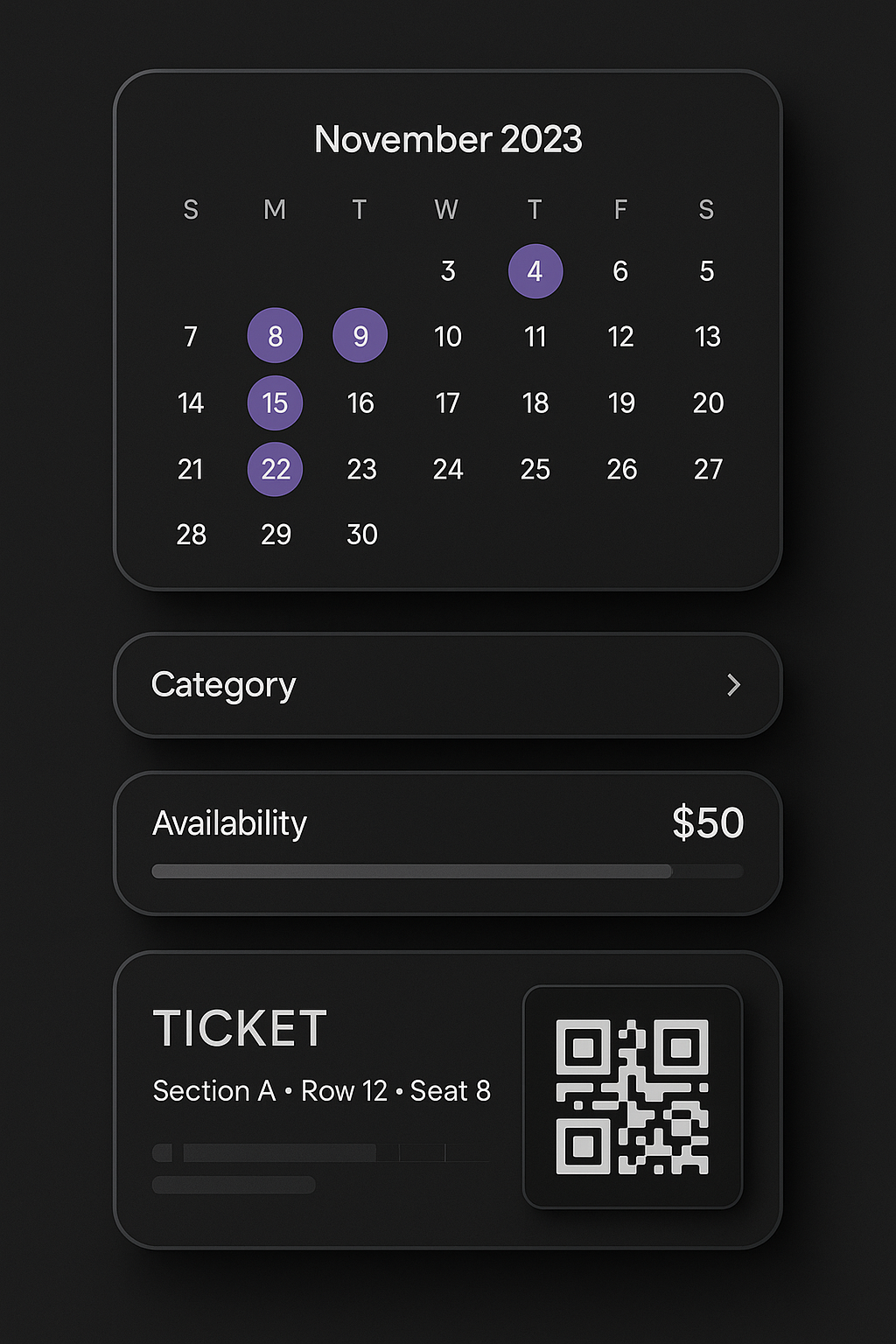
Multi-date sales
Multi-date sales: manage multiple dates in a single form. Ideal for recurring events.
Configure capacity, prices and validity
Configure capacity, prices and validity according to the selected date.
Add custom fields
Add custom fields and conditional terms based on the user's answers.
Custom forms Multi-date forms
Currency
Applied Commission
Euro Euro (€)
3% of the price
US Dollar US Dollar ($)
5.5% of the price
Mexican Peso Mexican Peso (MXN)
5.5% of the price
Chilean Peso Chilean Peso (CLP)
5.5% of the price
Affiliates

Sales through Bikubo affiliates

If you are an event organizer and want to increase sales and reach more potential attendees, with bikubo's affiliate system you can achieve both goals.

There is no additional cost if you have no sales, since you only pay the price you set for each sale, with no surprises.

With Bikubo's affiliate network you can quickly reach attendees: once you register the event and its form, it is shown directly to the affiliate network. It's simple and immediate.

Affiliates will promote sign-ups to your event in their circles and via social media.

Affiliate sales
Web integration

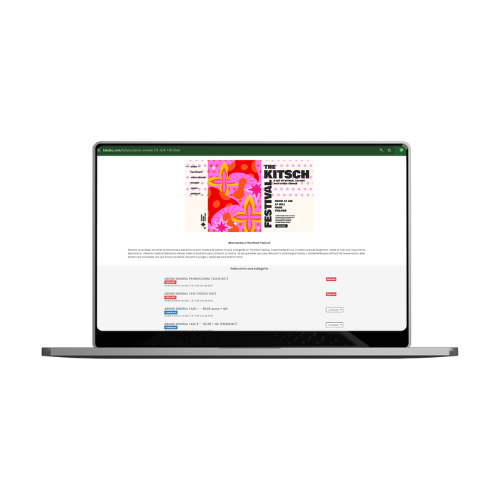
Integration with your website for ticket delivery and validation.

If you already have your own online ticketing system and need automation to deliver our tickets directly to buyers, we provide an API that can be integrated into your WooCommerce or Shopify platform.

After each transaction on your platform, it can communicate with ours to perform certain actions.
Web integration
PR

Public relations management system

We offer a sales control system for public relations or points of sale, allowing you to assign or remove tickets for them, both printed and electronic.

Additionally, you can add distributor managers to help with this administration. Below we describe a set of features related to this PR management system:


Add distributors
Add as many distributors as you need, each with their own intranet access.
Assign ranges
Assign ticket ranges to each distributor (for example, from 100 to 150). Distributors can scan and sell tickets easily from the app without logging in.
Electronic tickets
You can assign or withdraw tickets in seconds from your admin panel.
Send tickets
Distributors can send tickets by email, SMS or WhatsApp directly.
Statistics
View sales statistics and sales allocations in real time.
Distributor managers
Create distributor managers to delegate ticket management and distribution.
Payment control
Control payments between distributors and managers from the system.
Cancel tickets
Cancel printed or electronic tickets at any time.
Ticket delivery

Individual or bulk sending of electronic tickets.

The administrator and distributors have intranet modules for individual sending by email, WhatsApp or SMS to event attendees. You can also send in bulk by uploading an Excel file via email or SMS to attendees. This way you can send tickets to your attendees quickly and easily.

Distributor managers you authorize can also send in bulk by uploading an Excel file via email or SMS to attendees.

Email sending SMS sending WhatsApp sending
Customer cards

Customer cards

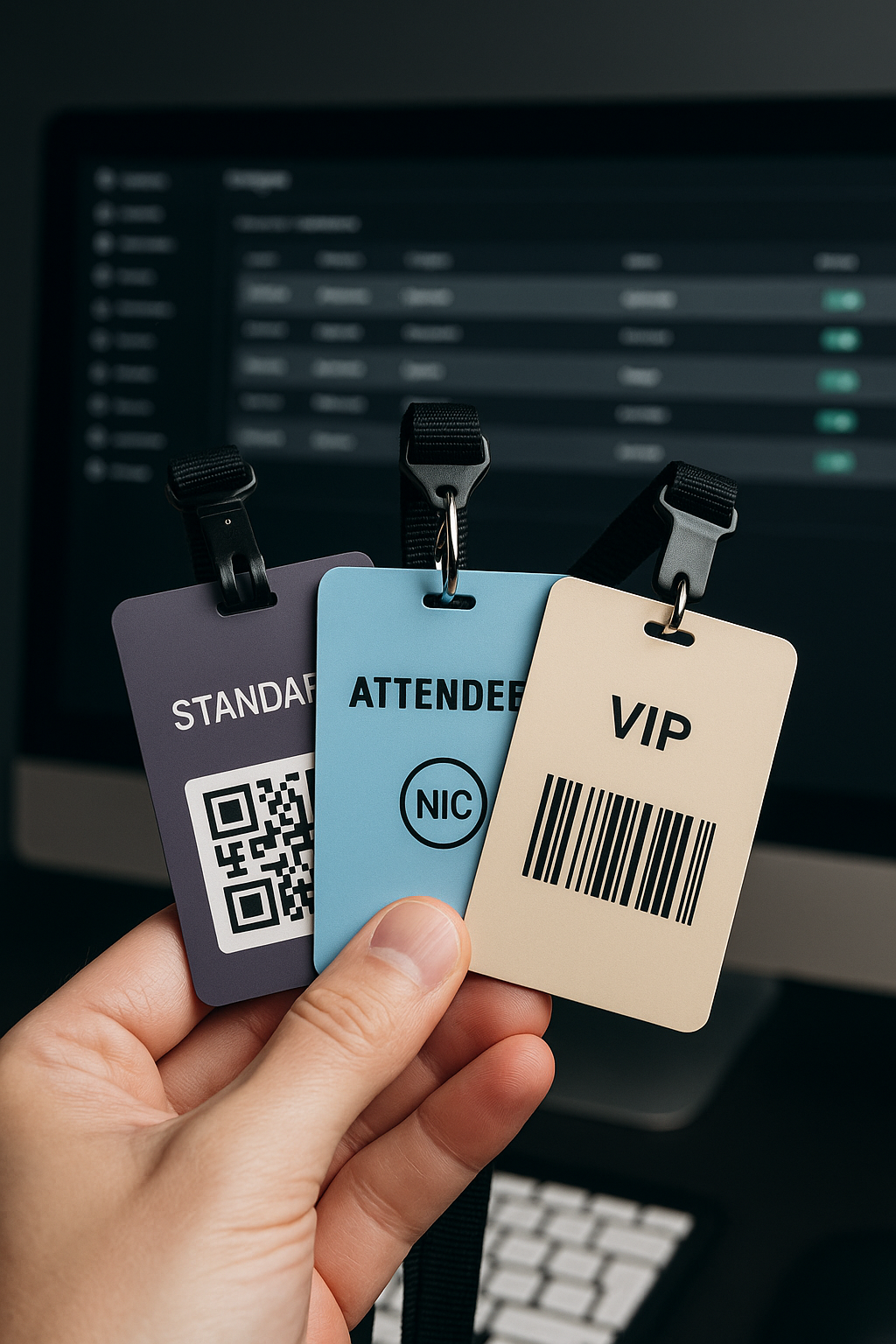
You can distribute cards to your users so they can have access to your venue according to the permissions you set: specific weekdays, specific events, or time slots, among other options.

You can set different card categories so that each category has different access permissions if needed.

In your intranet you have a system to manage card categories and each card itself, plus access statistics.
Access management
Sales control

Control of completed sales

It is important for an event organizer to keep track of the number of sales made for each ticket category. For this we offer several features:
Statistics panel
There is a sales statistics panel by date and by distributors, for each ticket category. You can view statistics or download them as Excel files.
Maximum tickets number
There is a parameter in the intranet for each category that allows you to indicate the maximum number of tickets to distribute for that category, which covers online sales and distributor sales, so that when the number is reached no more sales are allowed.
Online forms
For online sales forms you can set the maximum to sell for each category.
Distributors
You can assign distributors the maximum number of tickets to distribute for each category.
Access control

Establishment of access control checkpoints

All tickets and cards generated with bikubo can have an enabled QR or barcode that serves as an individualized access control element.

Our access control system allows highly configurable settings to adapt to many client needs. Below we describe a set of features we offer:


Add control points
Create as many control points as you need (Door A, VIP area, bus, bar, etc.) and define which categories have access to each.
Configuration
Configure per control point: maximum number of validations, allowed or restricted dates and hours, and active periods.
Conditions
Set conditions between accesses (for example, prevent validating a consumption if the guest did not previously enter through Door A).
Group validations
Group multiple control points and limit the number of validations for the whole group (ideal for multiple doors).
Entrance and exit
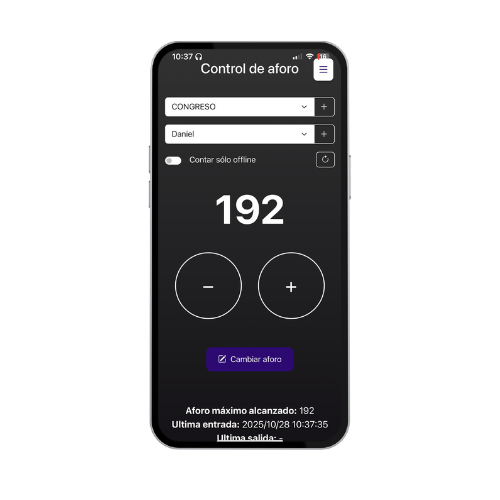
Define entrance and exit control points to count capacity in real time. The system alerts if someone tries to enter or exit without meeting the conditions.
View validations
Check the number of validations per point at any time and share access with other users via a link.
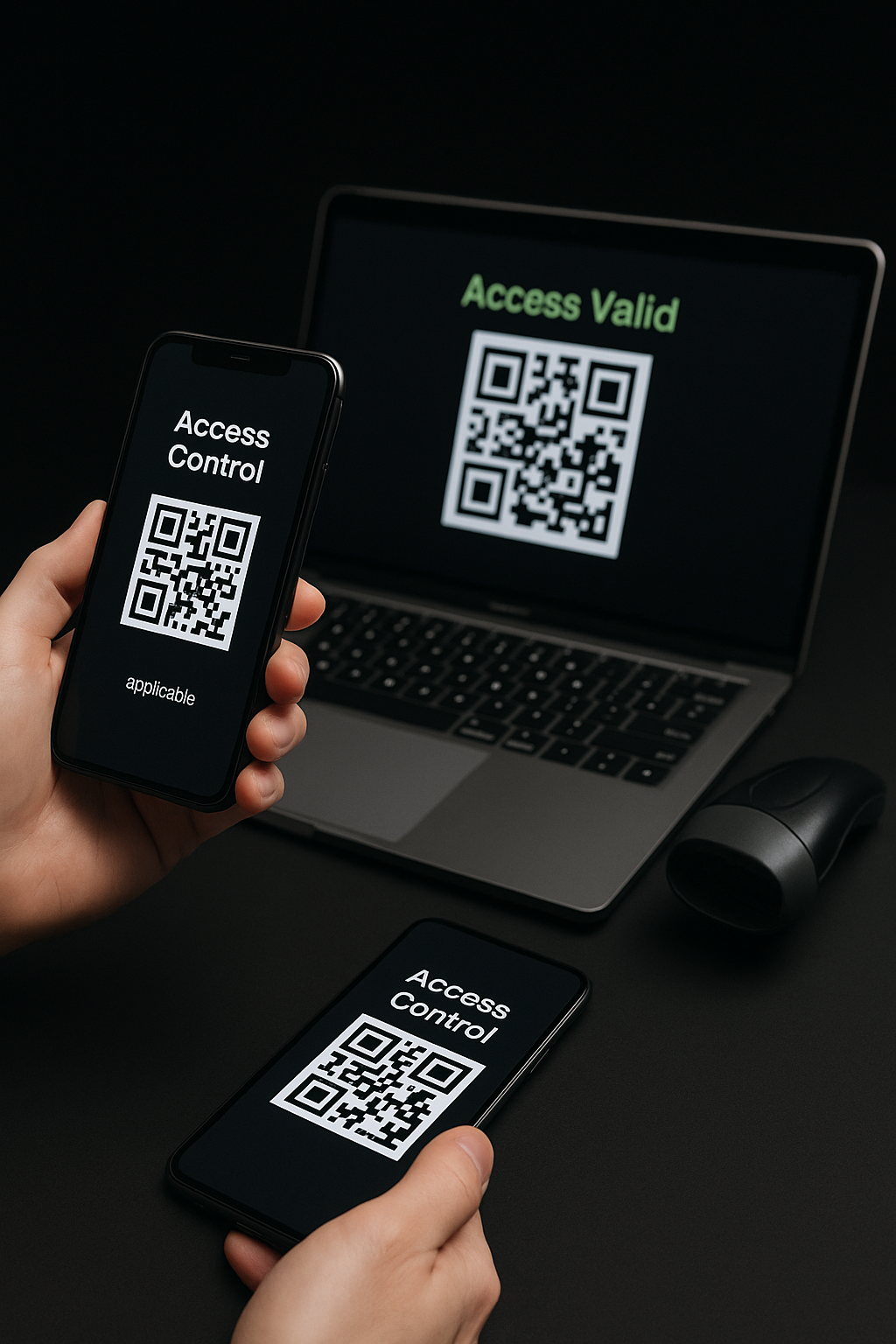
Access validation

Access control validation systems

We adapt to different situations that may arise, especially regarding the number of attendees and the internet coverage conditions for access validation. Therefore, for validating attendee access with bikubo you have different control systems available.


Basic mobile app
Basic mobile app (Android/iOS): Allows scanning QR codes with the device camera. It's fast, simple and activated with the user and password from the intranet.
App with Bluetooth reader
App with Bluetooth reader: Compatible with barcode or QR scanners, provides ultra-fast reading ideal for high-attendance events. It turns the phone into a professional scanner.
Web version
Web version: From a browser and with a Bluetooth or wired reader, it allows very agile access validation, also perfect for large events.
Turnstiles
If your venue has turnstiles, we can integrate them to validate access directly with our databases.
With or without internet
System that works with or without internet: Simply download the tickets when there's a connection and continue validating offline without interruptions.
Validation systems

Gift when you register

Try the system with

20 free tickets
20 free tickets
10 free accreditations
Register now