Icono

TICKET SALES MANAGEMENT SOFTWARE FOR PARTIES

If you organize one-off parties (graduations, New Year's Eve, Halloween, etc.) and use tickets without security features, you risk counterfeiting and overcrowding.

Add a QR code to your tickets and avoid these problems. In addition, Bikubo offers tools that make managing your events easier.

Get started


Tools for managing ticket sales for parties

With Bikubo you can generate fully customizable tickets and include a QR code.

We offer an integrated system to manage ticket sales, with tools that simplify management, reduce time, operating costs and potential issues.

Ticket printing with QR Online ticket sales. Sales through affiliates. Electronic delivery.
Access control points Access validation Sales control
Tickets

Printing physical tickets with individualized QR codes for each ticket

Tickets you generate with Bikubo can include numbering (single or double) and a QR code. Adding a QR code from Bikubo to your printed tickets provides a set of features that can improve event management.

Tamper-proof
Tamper-proof tickets. Each QR is unique: if a ticket is copied, only the first person to present that QR will be granted access.
Named
Named tickets. On printed tickets you can scan the QR and enter attendee details.
Anti-resale
Anti-resale. At access control the holder's data is shown and, if needed, the ticket can be reassigned to another person.
Sales statistics
Sales statistics. Sales reports for printed tickets.
Cancellation
Cancellation of lost tickets. Easily cancel lost printed tickets.
Notes
Notes per ticket or batch. Add notes that will be visible when validating access.
Customizable QR
Customizable QR. The QR can redirect after scanning to a website (for example, a form) and remains compatible with all previous functions.
Plataforma online

Online ticket sales platform

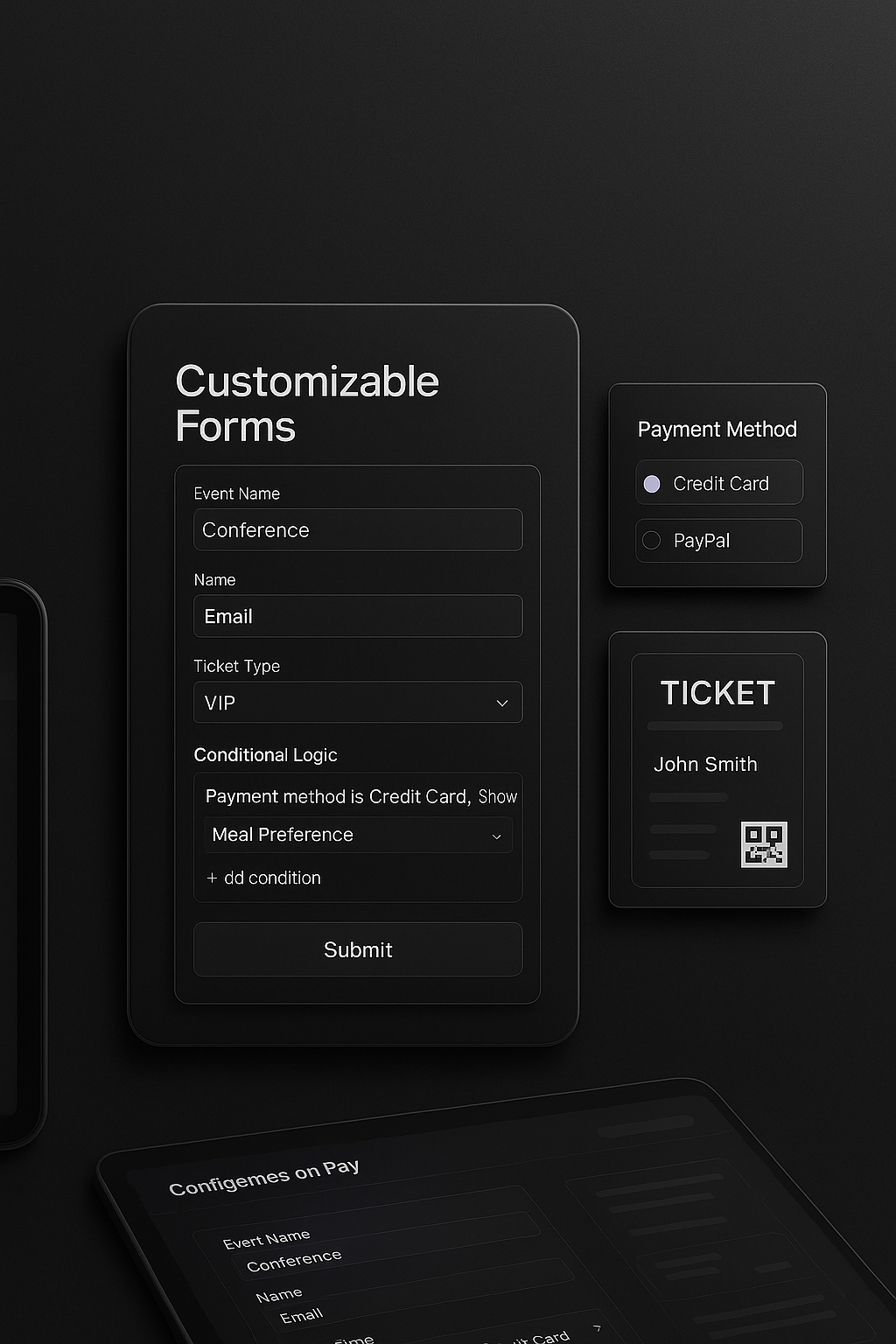
Create a sales form with our platform easily. Building ticket sales forms with Bikubo includes a set of features that may be of interest to you.

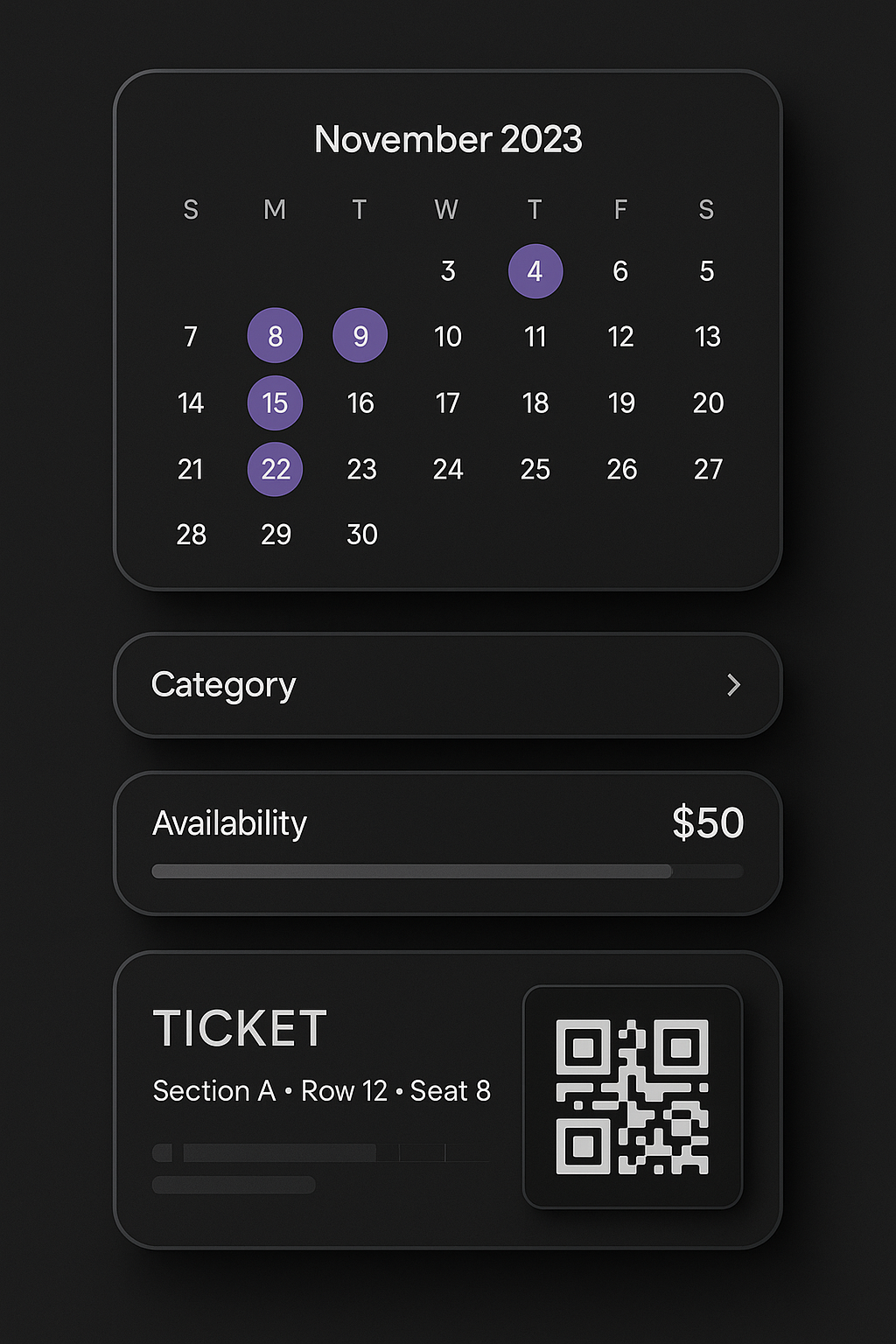
Multi-date sales
Sell tickets for multiple dates, with configurable prices and capacity; access will be valid only for the chosen date or for any day if you specify so.
Configure capacity, prices and validity
Add the fields you need.
Configure capacity, prices and validity
Contact us and, according to your needs, we will indicate the applicable commission.
Add custom fields
Automatic sending of attendance receipts.
Custom forms Multi-date forms
Currency
Applied Commission
Euro Euro (€)
3% of the price
US Dollar US Dollar ($)
5.5% of the price
Mexican Peso Mexican Peso (MXN)
5.5% of the price
Chilean Peso Chilean Peso (CLP)
5.5% of the price
Afiliados

Sales through Bikubo affiliates

If you are an event organizer and want to increase sales and reach more potential attendees, with Bikubo's affiliate system you can achieve both objectives.

No supone ningún coste adicional si no tienes ventas, ya que sólo pagas el precio que establezcas por cada venta, sin sorpresas.

Con la red de afiliados de bikubo puedes acceder a unos asistentes a tu evento de forma rápida, ya que con realizar el alta del evento con su formulario pertinente, directamente se muestra a la red de afiliados. Es sencillo e inmediato.

Los afiliados se encargarán de promocionar la inscripción a tu evento en su entorno, y a través de las redes sociales.

Ventas afiliados
Envío de tickets

Individual or bulk sending of electronic tickets

Administrators and distributors have modules in their intranet for individual sending by email, WhatsApp or SMS to event attendees. You can also send in bulk by uploading an Excel file via email or SMS to attendees. This way you can send tickets to your attendees easily and quickly.

Distributor managers you enable can also send in bulk by uploading an Excel file via email or SMS to attendees.

Email delivery SMS delivery WhatsApp delivery
Control de accesos

Establishing access control checkpoints

All tickets and cards you generate with Bikubo can include a QR or barcode to serve as an individualized access control element.

Our access control system allows highly configurable settings to adapt to many of our clients' needs. Below are a number of features we offer:

Add control points
Create as many control points as you need (Door A, VIP area, bus, bar, etc.) and define which categories have access to each one.
Configuration
Configure per control point: maximum number of validations, allowed or restricted dates and times, and active periods.
Conditions
Set conditions between accesses (for example, prevent validating a drink if Door A was not accessed first).
Group validations
Group multiple control points and limit the number of validations for the entire group (ideal for multiple doors).
Entry and exit
Define entry and exit control points to count capacity in real time. The system alerts if someone tries to enter or exit without meeting the conditions.
Check validations
Check at any time the number of validations per point and share access with other users via a link.
Validación de accesos

Access control validation systems

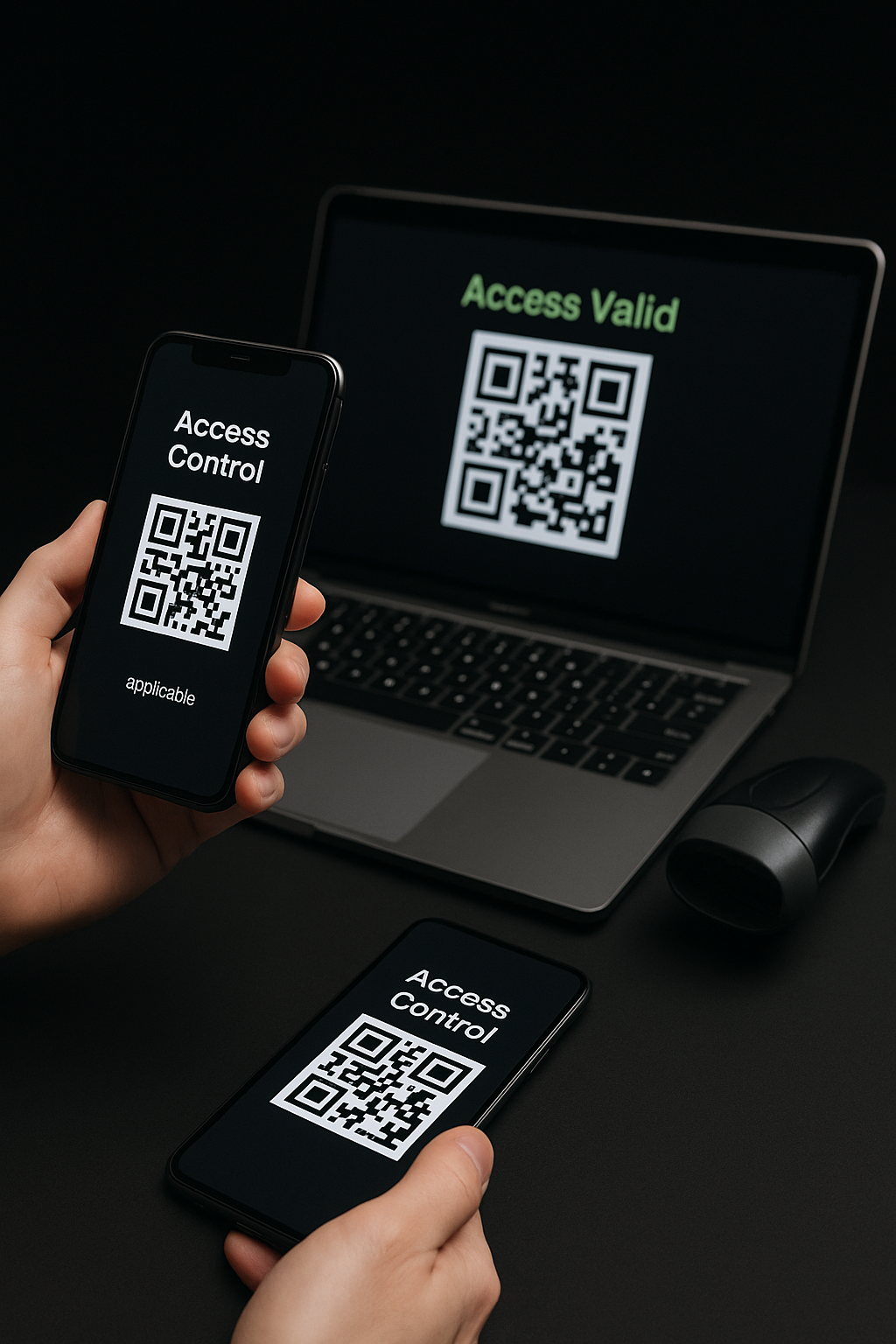
We adapt to different situations that may arise, especially regarding the number of attendees for an event and the internet coverage conditions for access validation. Therefore, you have different control systems available to validate attendees' access with Bikubo.

Basic mobile app
Basic mobile app (Android/iOS): Allows scanning QR codes with the device camera. It's fast, simple and is activated with the username and password from the intranet.
App with Bluetooth scanner
App with Bluetooth scanner: Compatible with barcode or QR scanners, offering ultra-fast reading ideal for high-attendance events. It turns the phone into a professional reader.
Web version
Web version: From a browser and with a Bluetooth or wired scanner, it allows very agile access validation, also perfect for events with many attendees.
Turnstiles
If your venue has turnstiles, we can integrate them to validate access directly with our databases.
With or without internet
System that works with or without an internet connection: Simply download the tickets when there is a connection and continue validating offline without interruptions.
Sistemas de validación
Control de ventas

Monitoring of completed sales

It is important for an event organizer to keep track of the number of sales made for each ticket category. For this we offer different features:

Statistics dashboard
There is a sales statistics dashboard by date and by distributors for each ticket category. You can view the statistics or download them as Excel files.
Maximum number of tickets
There is a parameter in the intranet for each category that allows you to set the maximum number of tickets to distribute per category, covering both online sales and distributor sales, so that once that number is reached no further sales are allowed.
Online forms
For online sales forms, you can set the maximum number to sell per category.
Distributors
You can assign distributors the maximum number of tickets to distribute for each category.

Gift on registration

Try the system with

20 free tickets
20 free tickets
10 free accreditations
Register now