Icon

Numbered seating diagrams

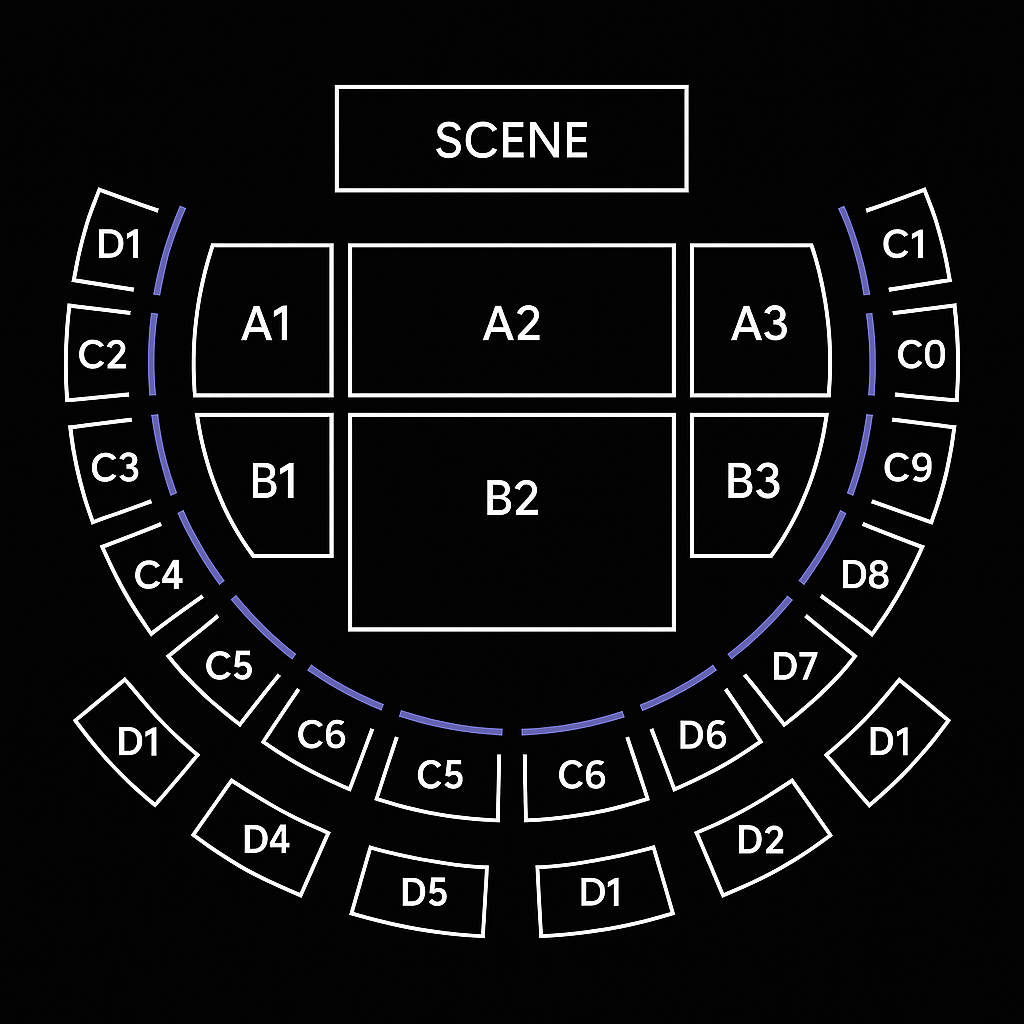
If the venue where you will hold your event has numbered seats, you can request that we create a map with the seats (seating), so that attendees can select the seats they want to purchase.

With the use of a reserved seat map, you can sell tickets for specific seats for all types of events, from concerts to corporate events. The person attending the event knows in advance where they will be seated.

Get started
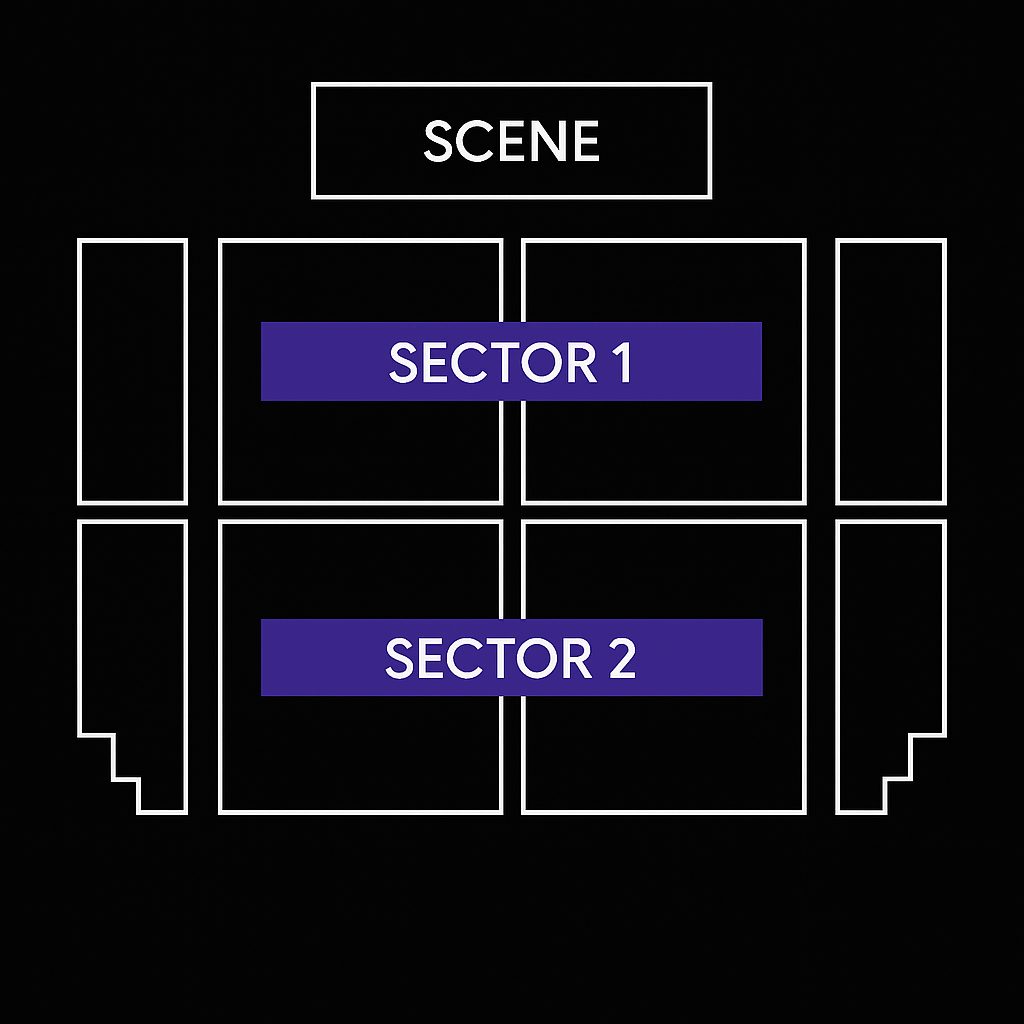
Two simultaneous assignment platforms

Bikubo offers a dual system for assigning seats:

Organizer

Organizer manual assignment

You can manually assign numbered seats according to your needs and also reserve seats that only you can manage. These reservations will appear as "unavailable" to attendees.

Attendee

Selection and purchase by attendee

Attendees can select or purchase their seat in real time, and any seat assigned on one platform automatically disappears from the other, preventing duplicates.

Manage your seating from the intranet

  • From your intranet you will have two independent links: one for the organizer platform and another for the attendee platform. Both are completely synchronized to avoid errors.
  • If you need a seat map, just write to admin@bikubo.com. You can specify which seats will be reserved exclusively for the organizer.
Access barriers

How a seating map is structured

Configurable access
  • A seating map is structured from a general diagram composed of sectors, each made up of rows and columns with customizable seats. Also, you can include up to 20 variable fields that will appear on the ticket or accreditation sent to the attendee.
  • Once a seat map is generated, you can duplicate the event and ticket and accreditation categories, prices, and the entire seating map will be copied automatically. It is ideal for events that repeat by days, cycles or multiple sessions.

Advanced reservations and availability

  • You can reserve seats exclusively from the organizer platform; attendees will see them as unavailable. You can release them whenever you want directly from the intranet.
  • You can set limits on reservable tickets before payment, the maximum time to complete the purchase, and customize both the names of rows and columns and each seat.
Access barriers

Gift when you sign up

Try the system with

20 free tickets
20 free tickets
10 free accreditations
Sign up now