Icon

THEATER ACCESS CONTROL

With Bikubo you can manage ticket sales and access control at a theater. You can also activate the distributor system to have physical points of sale.

Sales can be online or on-site, and access is validated using the QR code or barcode on the ticket.

Get started

Tools for theater access management

With Bikubo you can generate customizable tickets with your design and add a QR code to them.

We offer a comprehensive system for managing ticket sales, with tools that simplify management, reduce time, operating costs and potential issues.

Ticket printing Online ticket sales. Access control checkpoints Access validation
Tickets

Physical ticket printing, with individualized QR codes for each ticket

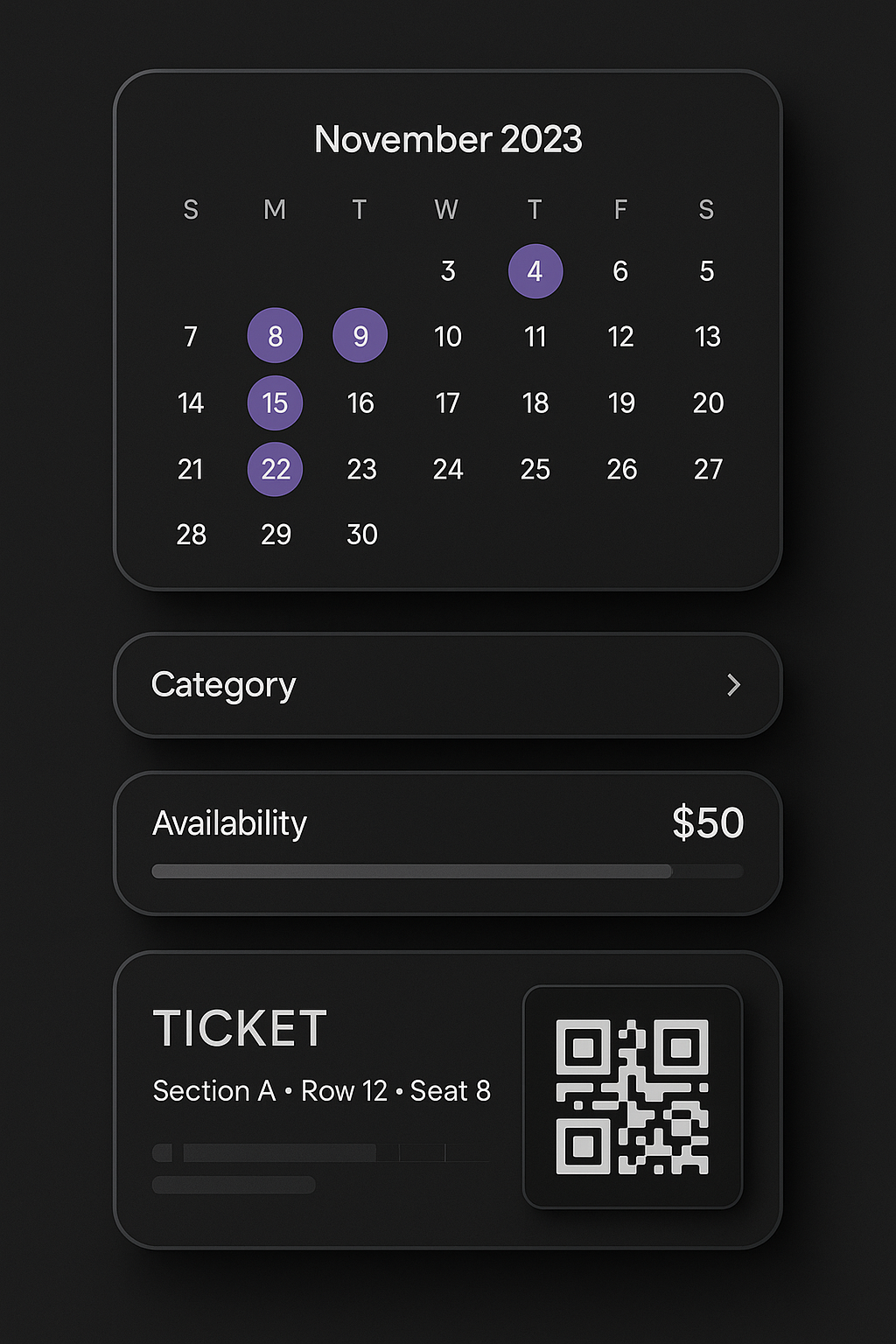
The tickets you generate with bikubo can have numbering (simple or double) and a QR code. Adding a QR code with bikubo to your printed tickets adds a series of features that allow you to improve your event management.

Counterfeit-proof
Counterfeit-proof tickets. Each QR is unique: if a ticket is copied, only the first person who presents that QR can access.
Personalized tickets
Personalized tickets. With printed tickets you can scan the QR and enter the attendee's information.
Anti-resale
Anti-resale. At access control, the holder's information is displayed and, if necessary, the ticket can be reassigned to another person.
Sales statistics
Sales statistics. Sales reports for printed tickets.
Cancellation
Lost ticket cancellation. Easily cancel lost printed tickets.
Notes
Notes by ticket or batch. Add notes that will be displayed when validating access.
Customizable QR
Customizable QR. The QR can redirect after scanning to a web page (for example, a form) and remains compatible with all the features above.
Online platform

Online ticket sales platform

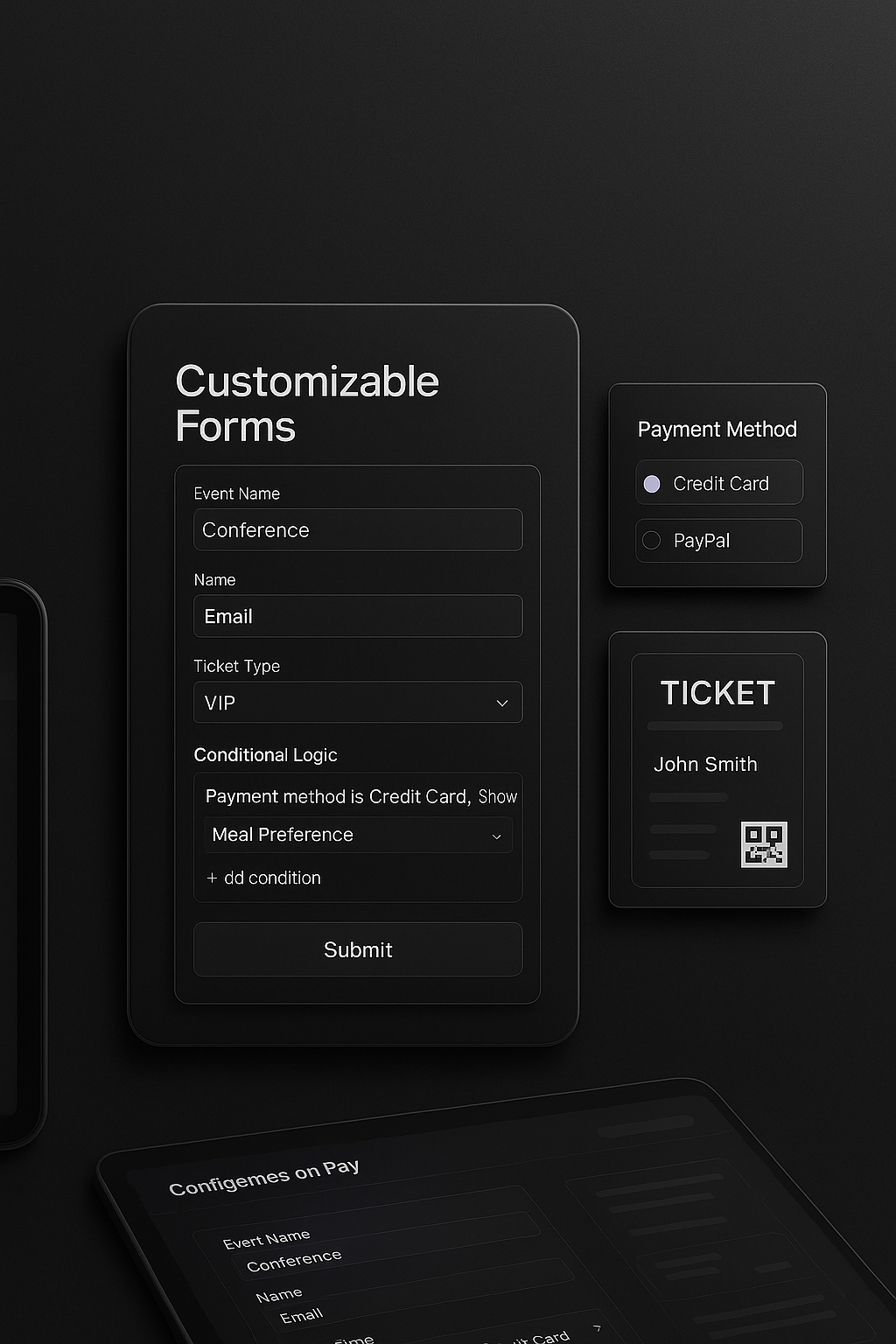
Create a sales form with our platform easily. Creating ticket sales forms with bikubo offers a series of features that may be interesting to you.

Multi-date sales
Sell tickets for multiple dates, with customizable prices and capacity; access will be valid only for the chosen date or for any day if you wish.
Configure capacity, prices and validity
Add the fields you need.
Configure capacity, prices and validity
Contact us and, based on your needs, we will tell you the applicable commission.
Add custom fields
Automatic sending of attendance certificates.
Custom forms Multi-date forms
  • checkAdd the fields you need.
  • configConfigure conditions to show or hide fields based on another field's value.
  • calendarAllow selling the same event on multiple dates and adjust capacity or price by day.
  • checkIf the venue has numbered seats, we can create a map so attendees can choose their seat; here you have more information:
Numbered seat diagram
Access control

Establishing access control checkpoints

All tickets and cards you generate with bikubo can have a QR code or barcode enabled to serve as an individualized access control element.

Our access control system allows very customizable configuration that can adapt to many of our customers' needs. Below are some of the features we offer:

Add control points
Create as many control points as you need (Door A, VIP area, bus, bar, etc.) and define which categories have access to each one.
Configuration
Configure per control point: maximum number of validations, allowed or restricted dates and times, and active periods.
Conditions
Set conditions between accesses (for example, prevent validating a consumption if Door A was not accessed first).
Group validations
Group multiple control points and limit the number of validations for the entire group (ideal for multiple doors).
Entry and exit
Define entry and exit control points to count capacity in real time. The system alerts if someone tries to enter or exit without meeting the conditions.
Check validations
Check at any time the number of validations per point and share access with other users via a link.
Access validation

Access control validation systems

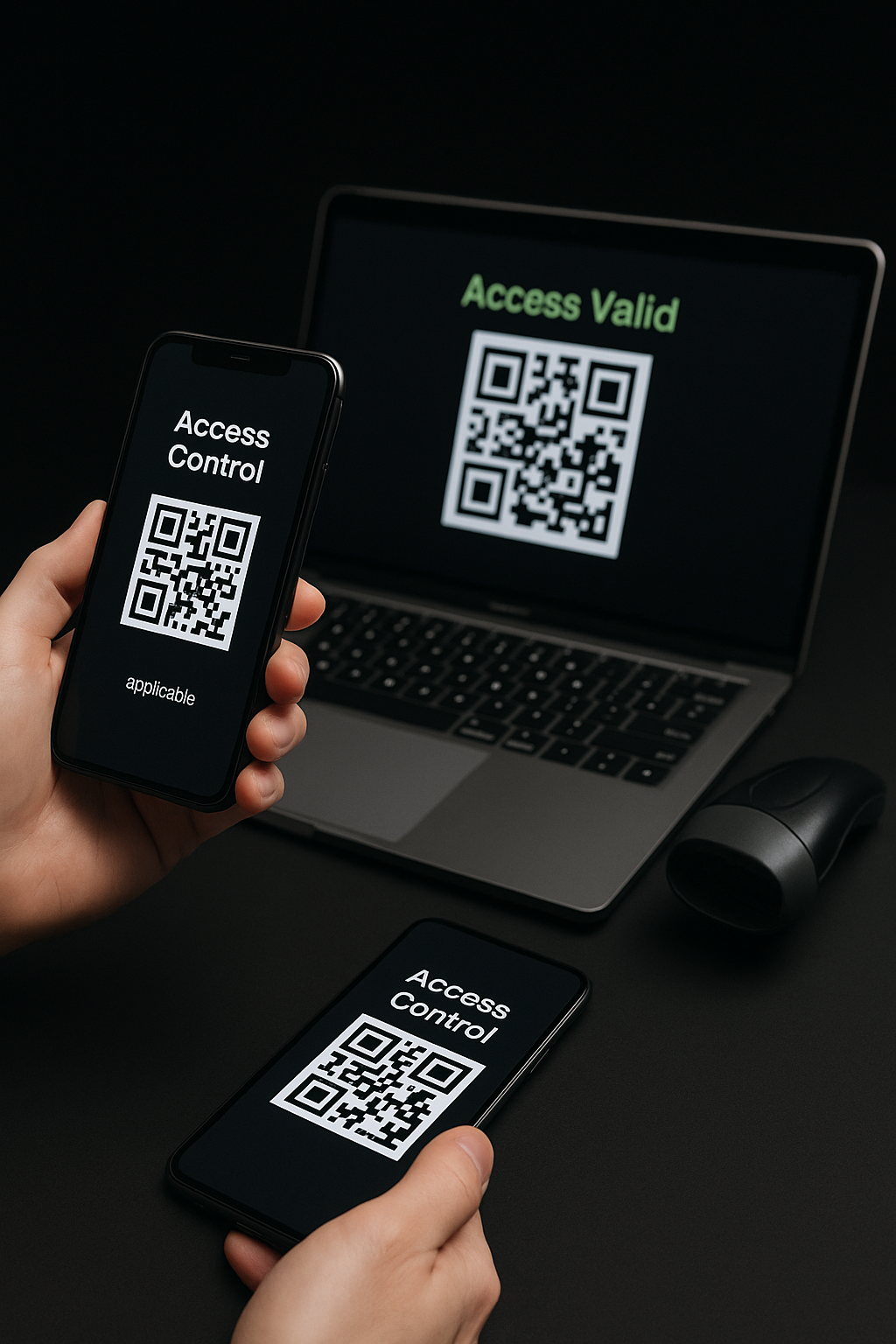
We adapt to different situations that may arise, especially regarding the number of attendees at an event and the internet coverage conditions for access validation. Therefore, you have different control systems available to validate attendee access with bikubo.

Basic mobile app
Basic mobile app (Android/iOS): Allows you to scan QR codes with your device's camera. It's fast, simple and activates with the username and password from the intranet.
App with Bluetooth reader
App with Bluetooth reader: Compatible with barcode or QR code readers, offers ultra-fast reading ideal for events with high attendance. Turns your mobile into a professional reader.
Web version
Web version: From a browser and with a Bluetooth or wired reader, it allows you to validate accesses in a very agile way, also perfect for events with many attendees.
Turnstiles
If your venue has turnstiles, we can integrate them to validate access directly with our databases.
With or without internet
System that works with or without internet connection: Just download the tickets when you have a connection and continue validating offline without interruptions.

Validation systems

Sign-up gift

Try the system with

20 free tickets
20 free tickets
10 free accreditations
Register now