Icon

ACCESS CONTROL DEVICES

Our access control system adapts to all budgets, which is why we have enabled access control from a mobile phone with its camera to an access turnstile. Additionally, all systems are compatible with each other, allowing you to use the different types you need simultaneously.

Our devices can work with or without an internet connection.

Get Started
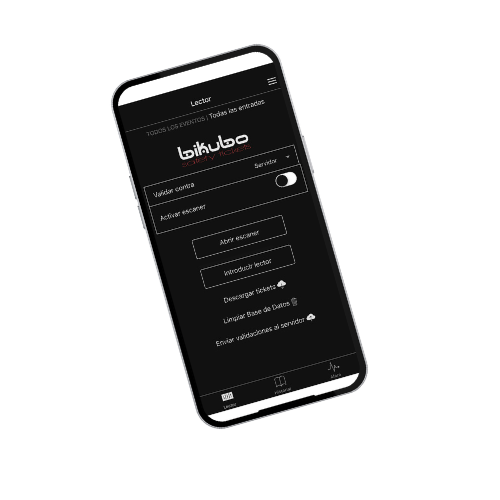

Our applications for access control

Bikubo mobile
qr icon Bikubo
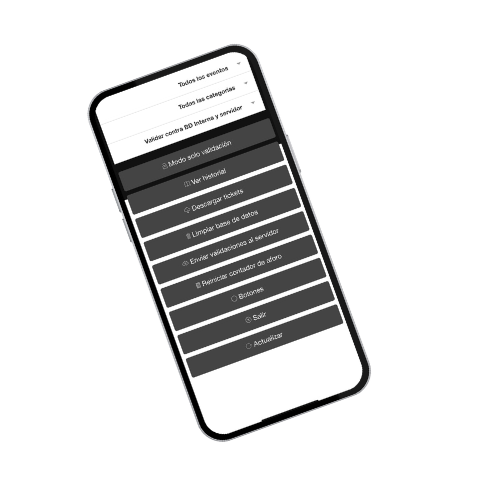
App to validate tickets using the mobile camera, fast, secure and without connection.
Google Play App Store
Bikubo Logo
Watch tutorial
BikuboBT mobile
scanner icon BikuboBT
App to control access with Bluetooth readers or scanners, designed for massive and professional validations.
Google Play App Store
BikuboBT Logo
Watch tutorial
Bikubo-counter mobile
clock icon Bikubo-counter
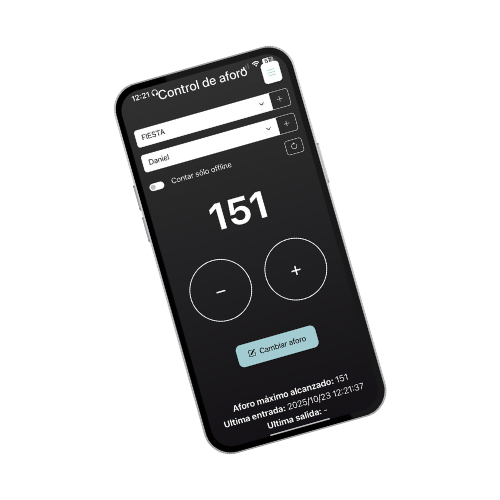
App to count attendees manually, adding or subtracting entries without the need for scanning.
Google Play App Store
Bikubo-counter Logo
Learn more

Control with PC or laptops

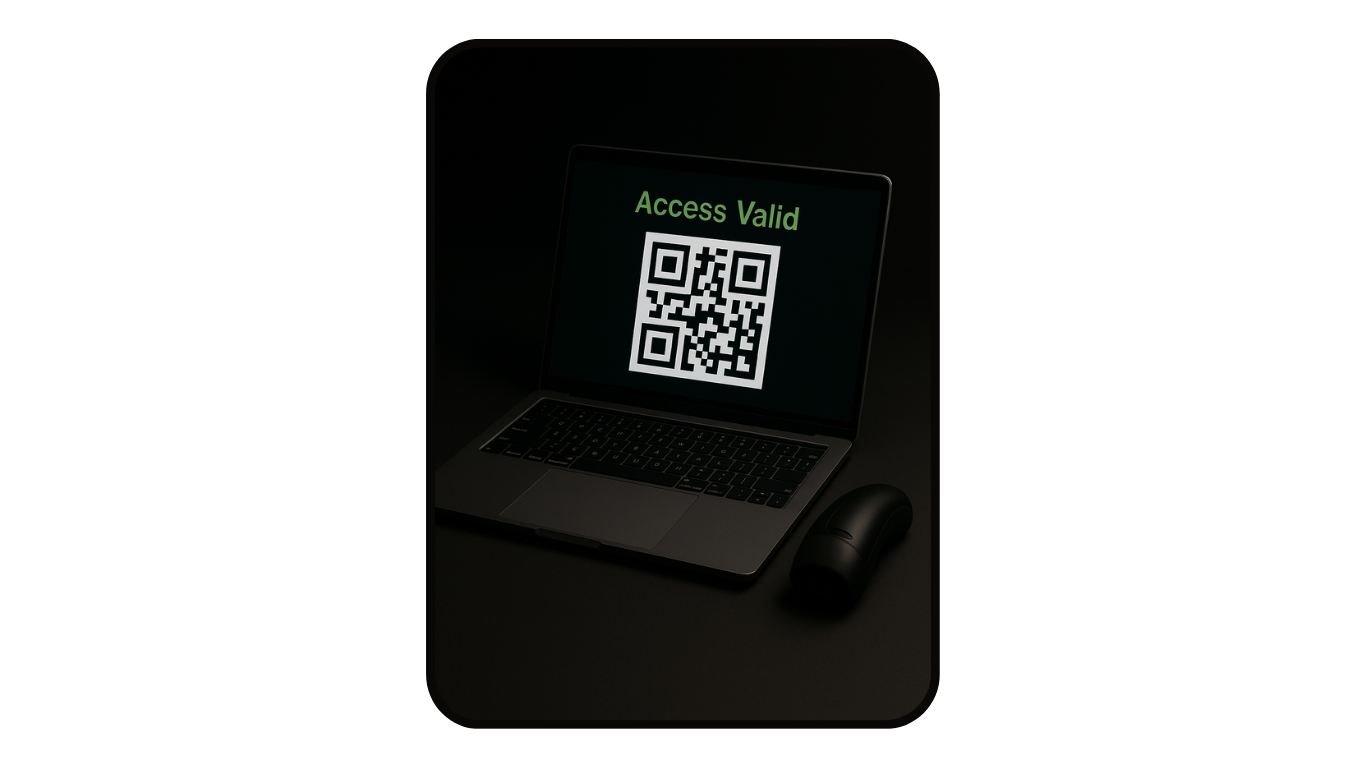
There are two ways to control access via a PC. One is by opening a specific link for users in a PC browser, and the other is by downloading our PC validation system, which is easy to use.

check Connect a QR reader by cable or Bluetooth to scan attendees' codes.
check The PC will display if the access is valid and the information associated with the user.
check Works with or without internet connection.
check You can enable as many PCs as you need.
Waiting list management

Control with access turnstiles

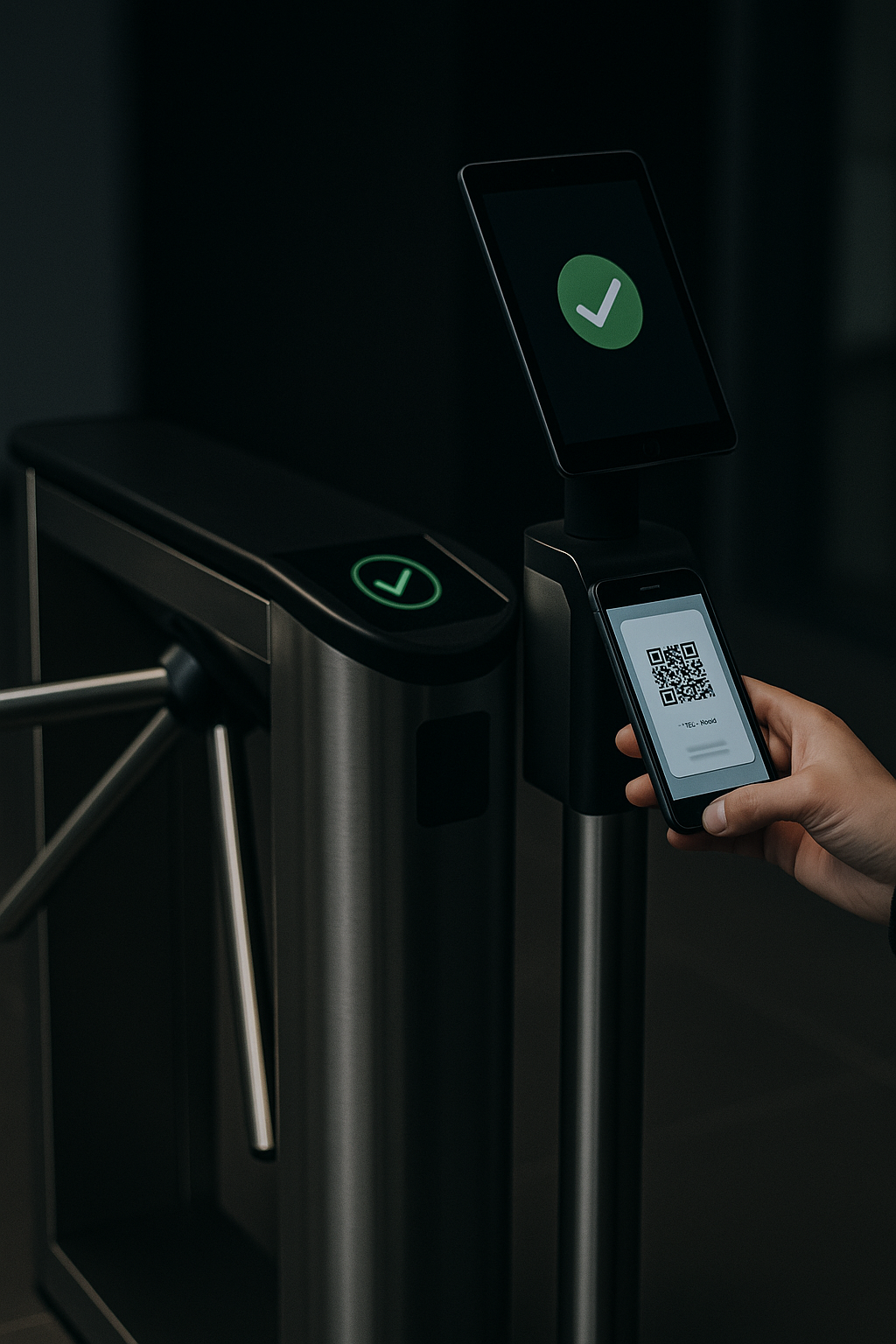
We have developed our own software that allows integrating the QR codes we generate, or other control systems, with subsequent access validation.

This system requires turnstile installation with its corresponding configuration.

Access turnstiles

Gift when you register

Try the system with

20 free tickets
20 free tickets
10 free accreditations
Register now